

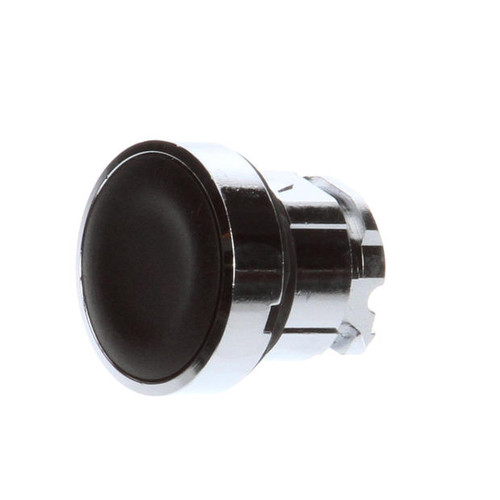
PartsTown supplies this control to support commercial foodservice environments and repair operations founded on compliance. Technicians appreciate consistent specification details for documentation and asset management.
LongDescription#@#NA#@@#Cleaning Instructions#@#Wipe the ELP401 push button with a soft cloth and mild detergent solution; avoid excess water. Disinfect high-touch zones—menu covers, shaker tops, chair backs, bathroom handles—using an EPA-registered sanitizer per label directions. Inspect for wear and replace defective units. Clean spills and food residue under shelves and booths to deter pests. Regular cleaning prevents cross-contamination, supports health-code compliance, and preserves fixtures' service life.#@@#Additional Info#@#PartsTown ELP401 black push button assembly installs with a push-in fit, weighs 0.05 pounds, and measures 1.15 in length, 1.1 in width, and 1.15 in height.#@@#General Info#@#Description #@#
PartsTown supplies this control to support commercial foodservice environments and repair operations founded on compliance. Technicians appreciate consistent specification details for documentation and asset management.#@@#Delivery Details#@#
• Please ensure to handle the product with utmost care.
• Check if the product you have received has all the essential parts and accessories.
• Make sure to examine the product for damage before signing the delivery receipt.
• Contact customer service for delivery concerns.
• Delivery times may vary based on location.#@@#deliverynotes#@#NA#@@#Maintenance Guide#@#Inspect the ELP401 push button weekly for wear and secure seating. Clean contacts with isopropyl alcohol and a lint-free swab to remove residue and prevent contact failure. Test actuation cycles monthly and record results to anticipate replacement intervals. Tighten panel mounting to 1.1–1.15 units of torque as specified by installation guides. Replace damaged seals immediately to maintain electrical integrity and CSA compliance.