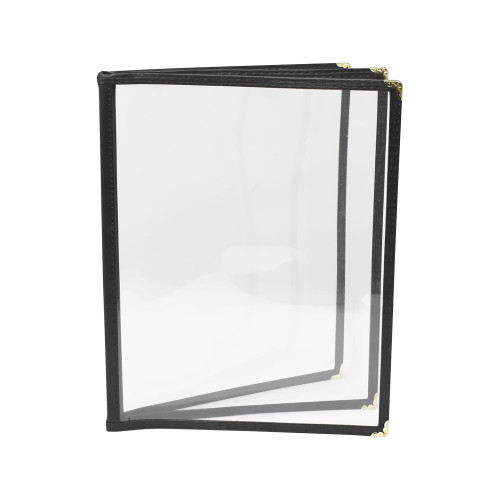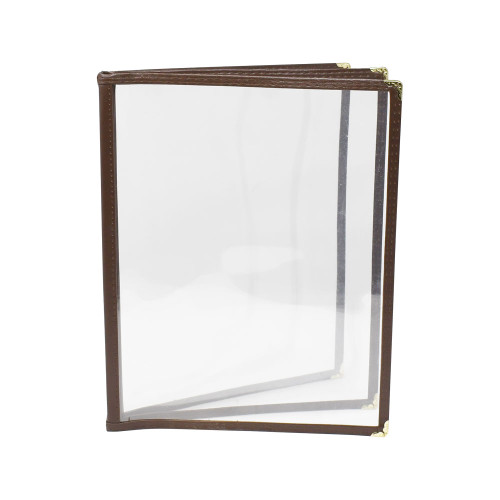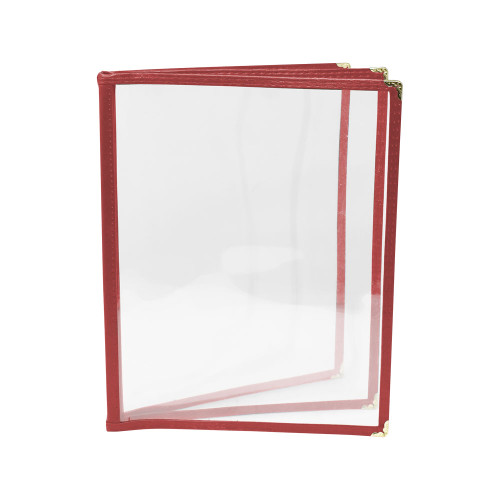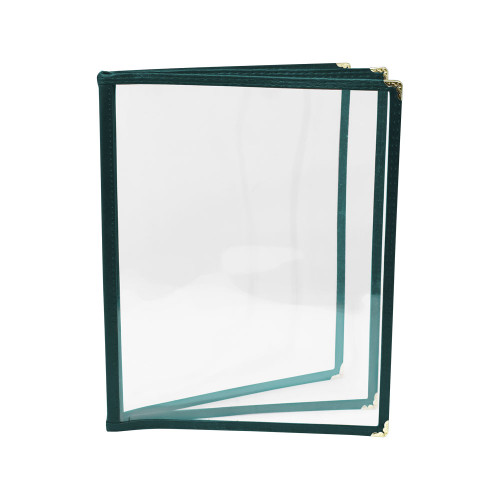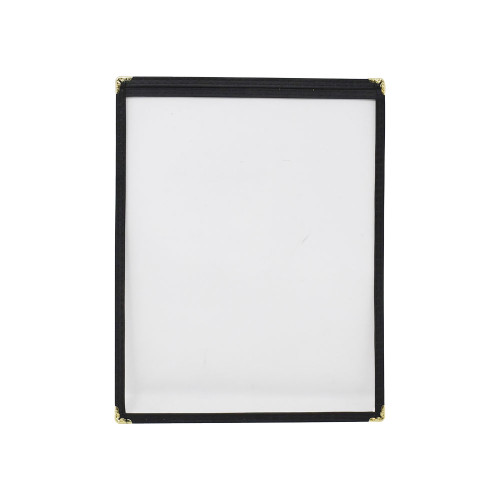

Get organized effortlessly and present menus with professional clarity that enhances fast service and consistent presentation. This menu holder is ideal for high-traffic environments, ensuring content remains protected and readable while accommodating multi-page layouts to minimize table visits for updates. Facilities managers and operators will value the durable construction and compact design that streamline front-of-house operations.
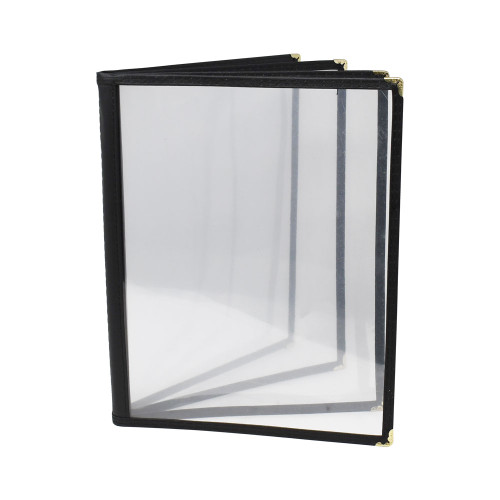
LongDescription#@#NA#@@#Cleaning Instructions#@#Clean menu holders after each shift to prevent germ transfer on high-touch zones and reduce pest attractants. Use a mild detergent and warm water, wipe both sides and metal corners with a soft cloth, then sanitize visible surfaces with an EPA-registered sanitizer per label. Dry fully before reuse to avoid moisture damage. Regular cleaning maintains appearance, supports health code compliance, and preserves serviceable life.#@@#Additional Info#@#Omcan USA’s 39806 menu holder measures 9.25" x 11.75" with an 8.5" x 10.5" view area, holds four pages, and features black plastic with metal corners; it supports staff needs, withstands handling, and simplifies menu updates.#@@#General Info#@#Description #@#
Get organized effortlessly and present menus with professional clarity that enhances fast service and consistent presentation. This menu holder is ideal for high-traffic environments, ensuring content remains protected and readable while accommodating multi-page layouts to minimize table visits for updates. Facilities managers and operators will value the durable construction and compact design that streamline front-of-house operations.
#@@# Material Durability#@#
This holder features rigid plastic construction that resists cracking from repeated handling and cleaning. Staff will experience reduced replacement frequency, lowering lifecycle costs while maintaining consistent presentation standards.
#@@# Four Page Capacity#@#
The design accommodates four pages, allowing for seasonal menus, allergen information, and pricing on separate panels. Managers will find it easier to update menus, while servers will spend less time explaining options to guests.
#@@# Compact Footprint#@#
With overall dimensions of 9.25 inches wide by 11.75 inches high, this holder has a small countertop profile that fits well in crowded stations. Operators can free up tabletop space for condiments and service items without sacrificing legibility.
#@@# Decorative Corners#@#
Metal decorative corners reinforce edges and provide a refined appearance that complements various service environments. Hosts will present menus that look intentional and durable, enhancing perceived quality.
#@@# View Area Size#@#
The view area accommodates sheets up to 8.5 inches by 10.5 inches, aligning with common print sizes and minimizing trimming. Print vendors can produce inserts without specialty formatting, reducing turnaround time and waste.
#@@# Lightweight Handling#@#
Weighing approximately 0.1 pounds, this holder is easy to move between stations and resets quickly during turnover. Staff will manage daily service tasks with less fatigue and achieve faster table resets.#@@#Delivery Details#@#• Please ensure to handle the product with utmost care.
• Check if the product you have received has all the essential parts and accessories.
• Make sure to examine the product for damage before signing the delivery receipt.
• Contact customer service for delivery concerns.
• Delivery times may vary based on location.#@@#deliverynotes#@#NA#@@#Maintenance Guide#@#Inspect the menu holder weekly for cracks or stress at corners and replace any deformed units to prevent page loss. Clean plastic surfaces with a soft cloth and mild detergent; rinse with clean water and dry immediately to avoid streaking. Lubricate metal corners with light machine oil quarterly to prevent corrosion. Ensure menu inserts fit the 8.5" x 10.5" view area and trim paper to avoid jamming. Store spare units flat, away from direct sunlight, to prevent warping.