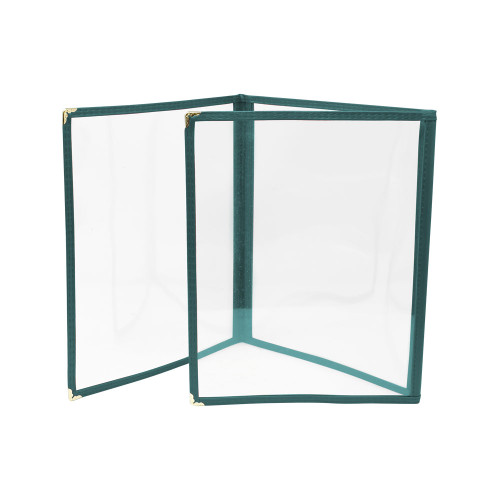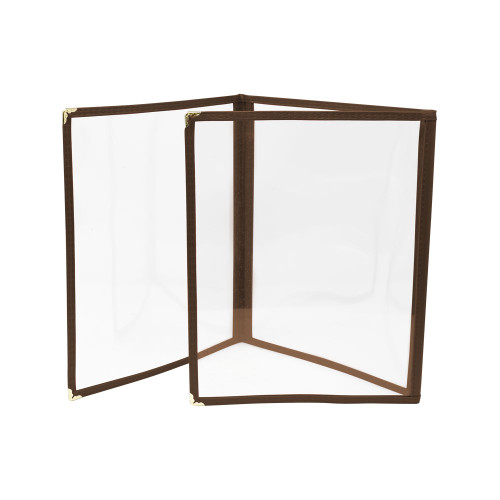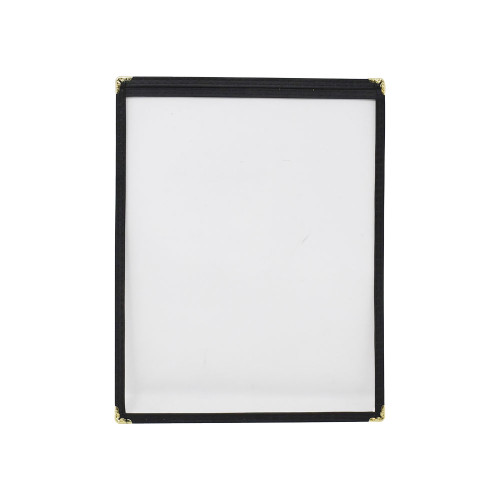

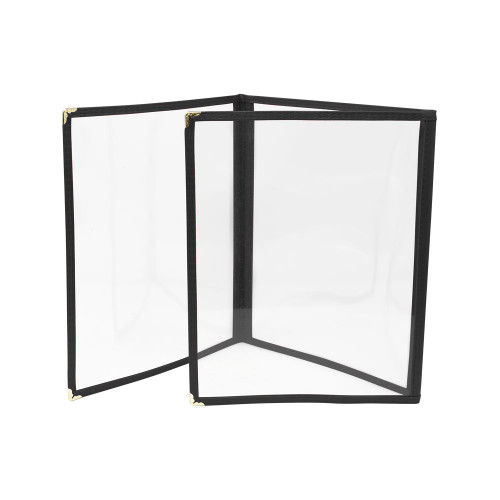
Stop rearranging menus to fit cramped folders. This triple-fold menu holder combines a compact footprint with a three-panel display that keeps printed menus flat, readable, and protected in high-traffic dining environments. Food service teams will appreciate the durable plastic construction that withstands daily handling while presenting menus with a neat, consistent appearance.
LongDescription#@#NA#@@#Cleaning Instructions#@#Wipe the plastic cover with a soft cloth and a mild detergent solution, rinsing with clean water and drying immediately to avoid streaks. Disinfect high-touch zones like edges and fold seams using an EPA-registered sanitizer per label dwell time. Inspect corners and metal accents for residue; remove debris with a soft brush. Clean weekly or after visibly soiled to prevent contamination transfer, deter pests, maintain appearance, and meet visible health standards.#@@#Additional Info#@#Omcan USA's 39798 triple-fold menu holder measures 9.25" x 11.75" and has an 8.5" x 10.5" view area. Made of durable black plastic with metal corners, it weighs 0.1 pounds and allows quick menu changes.#@@#General Info#@#Description #@#
Stop rearranging menus to fit cramped folders. This triple-fold menu holder combines a compact footprint with a three-panel display that keeps printed menus flat, readable, and protected in high-traffic dining environments. Food service teams will appreciate the durable plastic construction that withstands daily handling while presenting menus with a neat, consistent appearance.
#@@# Front-Facing Panels#@#
Three display panels provide a full spread for starters, mains, and desserts or for multilingual layouts, maximizing information within a 9.25 inch by 11.75 inch overall size. The view area measures 8.5 inches by 10.5 inches, allowing standard print inserts without trimming.
#@@# Compact Footprint#@#
The narrow 2 inch depth minimizes counter and table intrusion, enabling placement on crowded POS stations, bar tops, or narrow tabletops without disrupting workflow. Staff will free up usable space while maintaining a prominent menu presence.
#@@# Durable Plastic Build#@#
Rigid plastic resists warping and absorbs repeated handling without splitting, reducing replacement frequency in busy operations. Managers will lower ongoing supply costs compared with paper covers that tear or cloth covers that stain.
#@@# Decorative Metal Corners#@#
Metal corner accents reinforce high-wear points and deliver consistent edge protection during transport and stacking. Designers will maintain a polished look that fits both casual and upscale settings.
#@@# Lightweight Handling#@#
At approximately 0.1 pounds each, units allow staff to replenish tables and service stations quickly with minimal strain. Servers will perform faster rotations during peak periods and reduce fatigue over long shifts.
#@@# Standard Insert Compatibility#@#
Panels accept common menu sizes, simplifying print production and allowing rapid seasonal or pricing updates without custom trimming. Purchasing teams will standardize on off-the-shelf inserts to streamline inventory and reduce downtime when updating content.#@@#Delivery Details#@#• Please ensure to handle the product with utmost care.
• Check if the product you have received has all the essential parts and accessories.
• Make sure to examine the product for damage before signing the delivery receipt.
• Contact customer service for delivery concerns.
• Delivery times may vary based on location.#@@#deliverynotes#@#NA#@@#Maintenance Guide#@#Clean the Omcan USA 39798 triple-fold menu holder weekly with a soft cloth and mild detergent to remove oils and food residues. Inspect metal corners and plastic surfaces for cracks; replace damaged units to prevent menu loss. Wipe edges and view area with a lint-free cloth for legibility. Avoid abrasive pads and solvents that degrade plastic. Store flat in a dry area away from heat and sunlight to prevent warping. Check fit of inserts before service and remove moisture after spills.