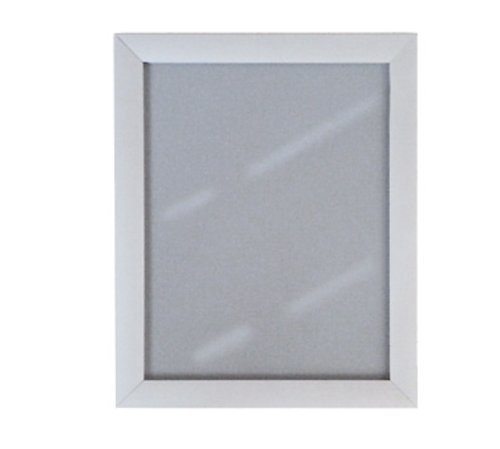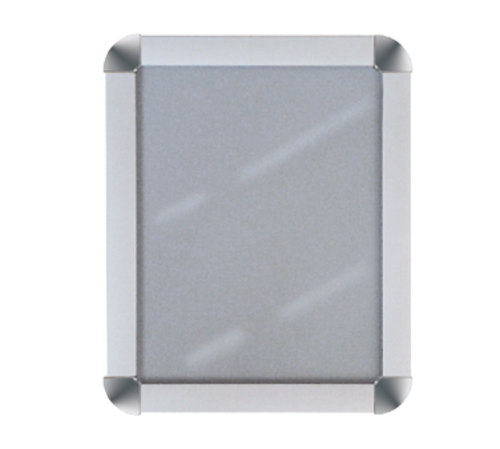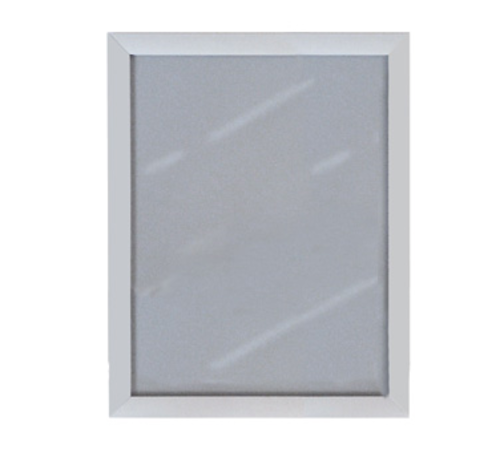

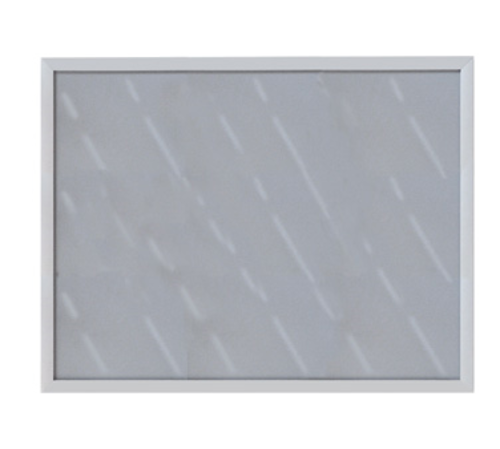
Weighing approximately 7 pounds, the frame balances sturdiness with manageable mass for wall mounting and repositioning. Staff can install multiple frames in a short window without specialized lifting equipment.
LongDescription#@#NA#@@#Cleaning Instructions#@#Wipe the aluminum frame and acrylic cover with a microfiber cloth and a mild detergent solution; rinse with clean water and dry immediately to avoid streaks. Disinfect high-touch zones—edges and front-facing surfaces—using an EPA-registered sanitizer per label dwell time. Inspect pre-drilled holes and mounting hardware; tighten as needed. Regular cleaning prevents contamination of hands and menus, supports health-code compliance, deters pests, and preserves frame finish.#@@#Additional Info#@#AARCO SN2228 snap frame is 28" W x 22" H, made of lightweight aluminum with a satin finish. It has spring-loaded sides for easy poster changes, a clear acrylic cover for 1/16" thick media, and pre-drilled holes for wall mounting, weighing 7 pounds.#@@#General Info#@#Description #@#
Weighing approximately 7 pounds, the frame balances sturdiness with manageable mass for wall mounting and repositioning. Staff can install multiple frames in a short window without specialized lifting equipment.#@@#Delivery Details#@#
• Please ensure to handle the product with utmost care.
• Check if the product you have received has all the essential parts and accessories.
• Make sure to examine the product for damage before signing the delivery receipt.
• Contact customer service for delivery concerns.
• Delivery times may vary based on location.#@@#deliverynotes#@#NA#@@#Maintenance Guide#@#Maintain the AARCO SN2228 snap frame by inspecting the spring-loaded sides weekly and verifying smooth operation. Clean the satin anodized aluminum with a soft cloth and mild detergent; rinse and dry to prevent spotting. Remove the clear acrylic cover and wash with a non-abrasive solution; avoid solvents that warp material. Tighten pre-drilled mounting fasteners quarterly and confirm vertical or horizontal alignment. Replace seals or damaged parts promptly to preserve display integrity.