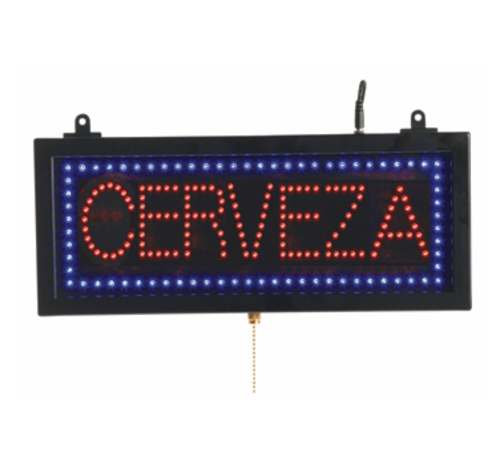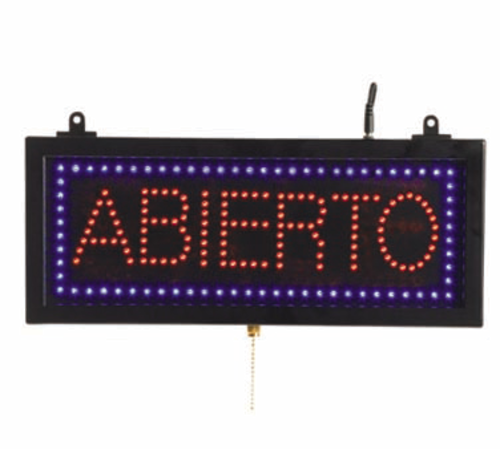


The product originates from an established manufacturer with a history dating to 1998 and conforms to standard commercial signage expectations including CSA referenced sourcing and durable LED components. Operators receive a reliable display solution suitable for restaurants, bars, cafeterias, and hospitality venues.
LongDescription#@#NA#@@#Cleaning Instructions#@#Wipe the AARCO LED sign with a soft cloth dampened in mild detergent solution, avoiding excess moisture near the power cord. Use a cotton swab for crevices and a nonabrasive cleaner for the frame. Disconnect power before cleaning and allow full dry time before reconnecting. Clean high-touch areas like door frames and nearby counters daily to prevent germ transfer, reduce pest attraction, and maintain health-code compliance.#@@#Additional Info#@#AARCO’s PIZ01S LED sign is 16.13" W x 6.75" H and shows "PIZZA" in steady, flashing, and crawling modes. It uses low power, weighs 4 pounds, mounts to windows or doors, meets CSA guidelines, and offers clear visibility for restaurants and bars.#@@#General Info#@#Description #@#
The product originates from an established manufacturer with a history dating to 1998 and conforms to standard commercial signage expectations including CSA referenced sourcing and durable LED components. Operators receive a reliable display solution suitable for restaurants, bars, cafeterias, and hospitality venues.#@@#Delivery Details#@#
• Please ensure to handle the product with utmost care.
• Check if the product you have received has all the essential parts and accessories.
• Make sure to examine the product for damage before signing the delivery receipt.
• Contact customer service for delivery concerns.
• Delivery times may vary based on location.#@@#deliverynotes#@#NA#@@#Maintenance Guide#@#Inspect the AARCO PIZ01S LED sign weekly for reliable operation. Unplug before cleaning with a soft, lint-free cloth and mild detergent. Avoid solvent-based cleaners that can damage the lens or housing. Check wiring connections and hardware monthly; tighten screws and secure strain relief to prevent failures. Test all display modes—steady, flashing, crawling—during startup to ensure functionality. Measure input voltage for compliance and replace damaged cords.